GitHub repo → agent tools → pull request
Give every website an AI interface.
MCPflow scans your repo for forms, API routes, and actions, generates typed navigator.modelContext tools, and opens a pull request you review. Your keys never leave your browser.
agent › find trail shoes under $150tool shop_search_products { query: "trail shoes" } [read]ok › 12 results in 410ms → added to contextagent › answer cites the catalog page
Three work orders, then merge.
Connect once. Everything after that is review — the branch, the file, and the pull request are all yours.
Link GitHub
OAuth with repo scope. Token stays in your browser; the API only forwards it per request.
Generate tools
Static scan of forms, fetch calls, and API routes, plus your LLM key enriching names, descriptions, and schemas.
process · up to 12 toolsMerge the PR
New branch webmcp/add-tools-…, one generated file, one reviewable pull request. Main untouched.
What lands in your repo.
One file in the format your stack wants. Each tool carries a TODO pointing at the exact source line to wire up.
await navigator.modelContext.registerTool({
  name: "shop_search_products",
  description: "Search products by keyword on the catalog page.",
  inputSchema: { type: "object",
    properties: { query: { type: "string" } },
    required: ["query"] },
  execute: async (args) => { /* your app logic */ }
});
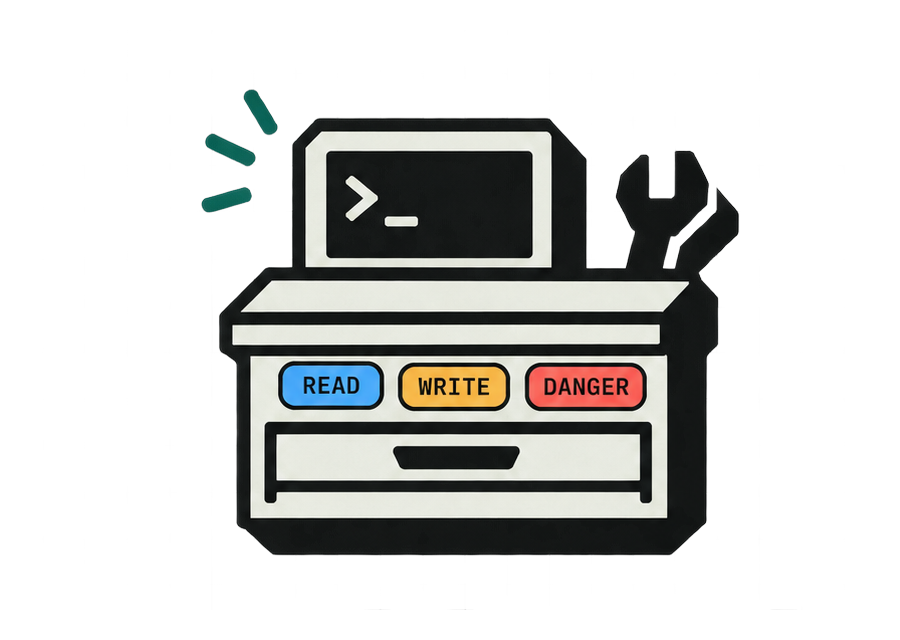
Labeled by blast radius.
Every proposed tool ships with a safety label. Deletes and payments get flagged for manual review before merge.
Fetches data
Search, list, lookup. Safe for agents to call freely.
Changes state
Forms, bookings, checkouts. Review the handler first.
Irreversible
Deletes, payments. Wire up and test by hand.
Your site, usable by agents.
Bring a repo and your own AI key. Leave with a pull request.